Key takeaways
- Freeze draft order, clock, expiry, positions, and recovery rules seven days before the event.
- Require membership, room-access, device, and backup-channel proof at T-24 hours.
- During an incident, stabilize selections, establish authoritative state, recover, then announce the resume.
- Log timestamps and make any objective correction visible after the draft.
A successful draft feels uneventful because the commissioner has already decided what happens next. This runbook turns a PoolForge Draft League launch into timed checks, short announcements, and recoverable actions. It is for live snake drafts with exclusive player ownership and persistent exact-position rosters.
It does not add rules your pool does not have. PoolForge Draft League can use optional trades, but it does not currently provide waivers or Daily-style per-game lineups. Publish the exact configured contract before using this operating plan.
Seven days before: freeze the draft contract
Stop changing the shape of the event. Publish the date, local time, time zone, draft order, snake direction, pick clock, expiration policy, roster position quotas, and whether trades are enabled. Name one backup communication channel for an outage or lost connection.
Ask every manager to acknowledge the rules. A thumbs-up in a group chat is useful, but successful room access is stronger evidence. Anyone who cannot attend needs an explicitly documented plan that fits the controls your pool actually offers; never promise an automation you have not tested.
Turn your draft research into a shortlist
Explore the free tools without an account. Create a pool when your group is ready.
Twenty-four hours before: run the readiness gate
| Check | Pass condition | If it fails |
|---|---|---|
| Membership | Every expected manager is in the pool | Resend access and confirm identity |
| Order | Published order matches the room | Stop and correct it before opening |
| Positions | Quotas match written rules | Resolve the contract mismatch |
| Devices | Managers opened the room successfully | Troubleshoot before draft hour |
| Recovery | Backup channel and decision-maker are named | Publish both in one message |
If a structural value differs from the approved rules, the draft is not ready. Fixing it quietly five minutes before the start transfers commissioner stress to every participant.
Sixty minutes before: open the control desk
Use two devices if practical: one for the commissioner view and one participant-like view. Connect the second view through the type of network the group uses. Keep a paper or offline copy of the draft order, position quotas, participant list, and the last confirmed pick.
- Open the draft room and verify the displayed pool and order.
- Confirm the clock and expiry behavior against the published rule.
- Make sure the backup communication channel is reachable.
- Ask managers to enter early and report only actionable failures.
- Freeze unrelated commissioner changes.
Ten minutes before: make one concise announcement
State the official start time, whose pick is first, the pick-clock duration, what happens at expiry, and where an outage will be announced. Avoid introducing strategy advice or new exceptions. The announcement should be short enough that everyone can find it again.
A useful pattern is: “The draft begins at 8:00 p.m. Toronto time. Alex has the first pick. The published clock and expiration rule apply. If the room becomes unavailable, stop selecting and watch this channel for the official resume message.” Adapt it to your real configuration.
During the draft: observe, timestamp, and intervene narrowly
The commissioner is an operator, not an extra strategist. Watch the active manager, clock, accepted pick, next manager, and roster-position validity. When someone reports a problem, capture the time, affected account, last confirmed pick, and visible symptom. Do not reset or reinterpret the draft based on a vague “it froze” message.
If the room remains authoritative and one participant has a local connection problem, follow the published timeout rule. If the room's state is uncertain for several participants, pause decision-making through the backup channel. Record the last pick visible to everyone and avoid parallel selections.
Use a four-step recovery sequence
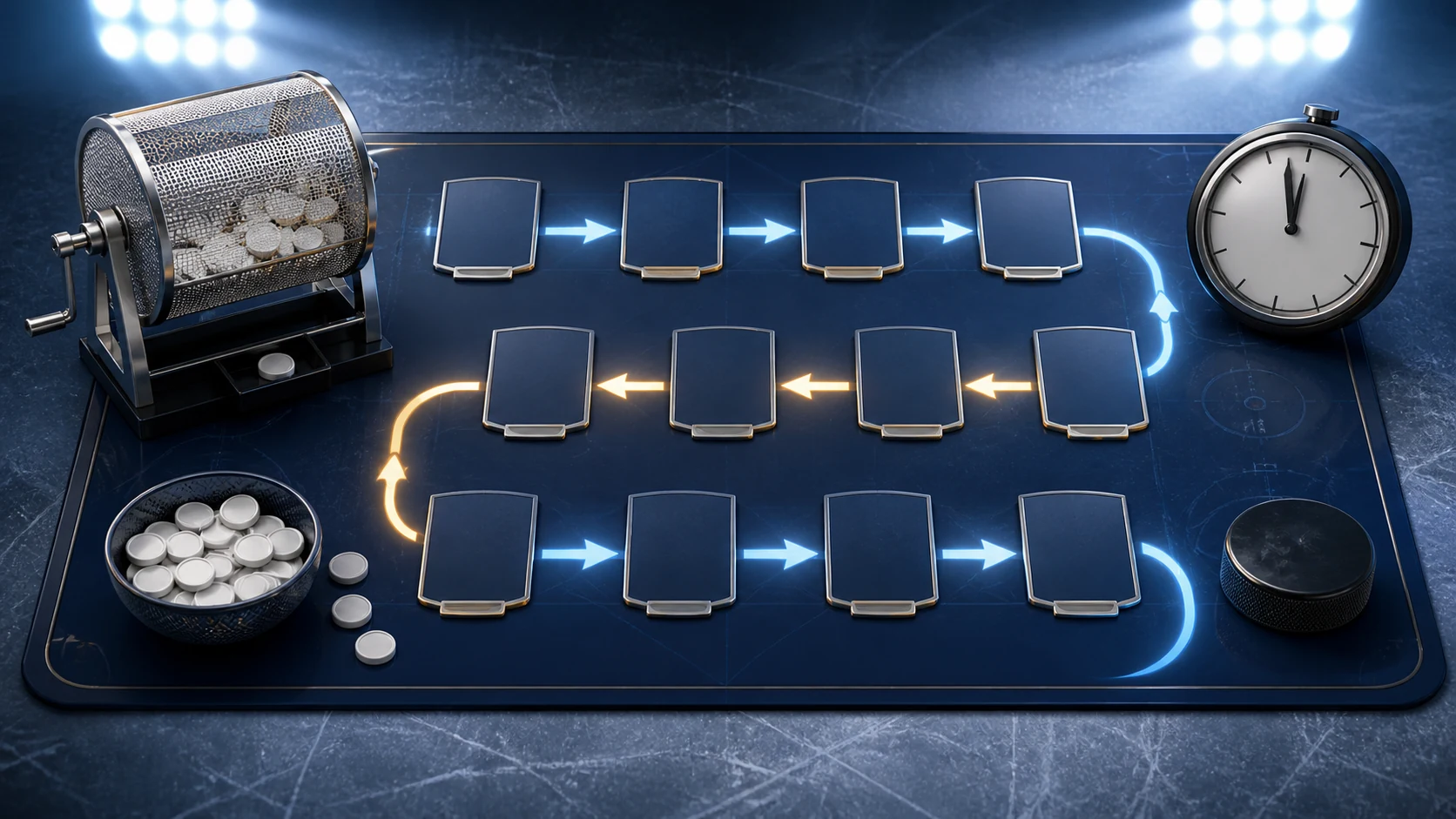
- Stabilize: tell participants to stop making new choices when shared state is uncertain.
- Establish: identify the last pick confirmed by the room and by at least one independent participant view.
- Recover: restore access or follow the documented contingency without inventing a new competitive rule.
- Resume: announce the authoritative state, next manager, and exact restart time.
Keep recovery language factual. “We are checking pick 42; do not select” is better than speculation about the cause. If support is required, use the PoolForge support form and include timestamps without sharing participant secrets.
After the final pick: close the event visibly
Announce that the draft is complete, then inspect every roster for the expected position counts and number of selections. Save a brief commissioner note with the start time, completion time, interruptions, any corrective action, and the final authority used for disputed state.
If an objective defect is discovered, do not make an invisible repair. Explain what was wrong, the evidence, the correction, the effective time, and who was affected. Competitive fairness depends as much on a consistent correction process as on the original software behavior.
The one-page command sheet
- T-7 days: rules and time frozen.
- T-24 hours: membership, order, positions, devices, and recovery pass.
- T-60 minutes: control views and offline notes ready.
- T-10 minutes: one official start message.
- Live: observe five state fields and log interventions.
- Incident: stabilize, establish, recover, resume.
- Finish: verify rosters and publish closure.
If your group is still deciding between an exclusive draft and date-based lineups, read Draft League vs Daily first. If Draft League is confirmed, add this runbook to the broader launch checklist and rehearse it once. Calm is a procedure, not a personality trait.
Turn your draft research into a shortlist
Explore the free tools without an account. Create a pool when your group is ready.
Questions answered
Frequently asked questions
What should a commissioner keep offline?
Keep the draft order, position quotas, participant list, published rules, and last confirmed pick available outside the live room.
What happens if one manager disconnects?
Follow the pick-clock and expiration rule published before the draft. Do not invent a special competitive exception during the event.
Should the draft continue when shared state is uncertain?
No. Ask participants to stop selecting, establish the last authoritative pick, recover the room, and announce an exact resume state.
Editorial evidence
Sources
- PoolForge Draft League overview — PoolForge